🔨 AI for Demolition Contractor
AI for Demolition Contractors - Permit Packets, NESHAP Timelines & Scope Logs
Demolition work is permit-bound and documentation-heavy. i10X handles repeatable GC and AHJ comms – call routing from the demo zone, permit checklists, notification timelines, scope logs – so you can stay on wrecking operations, abatement coordination, and bid sign-off.
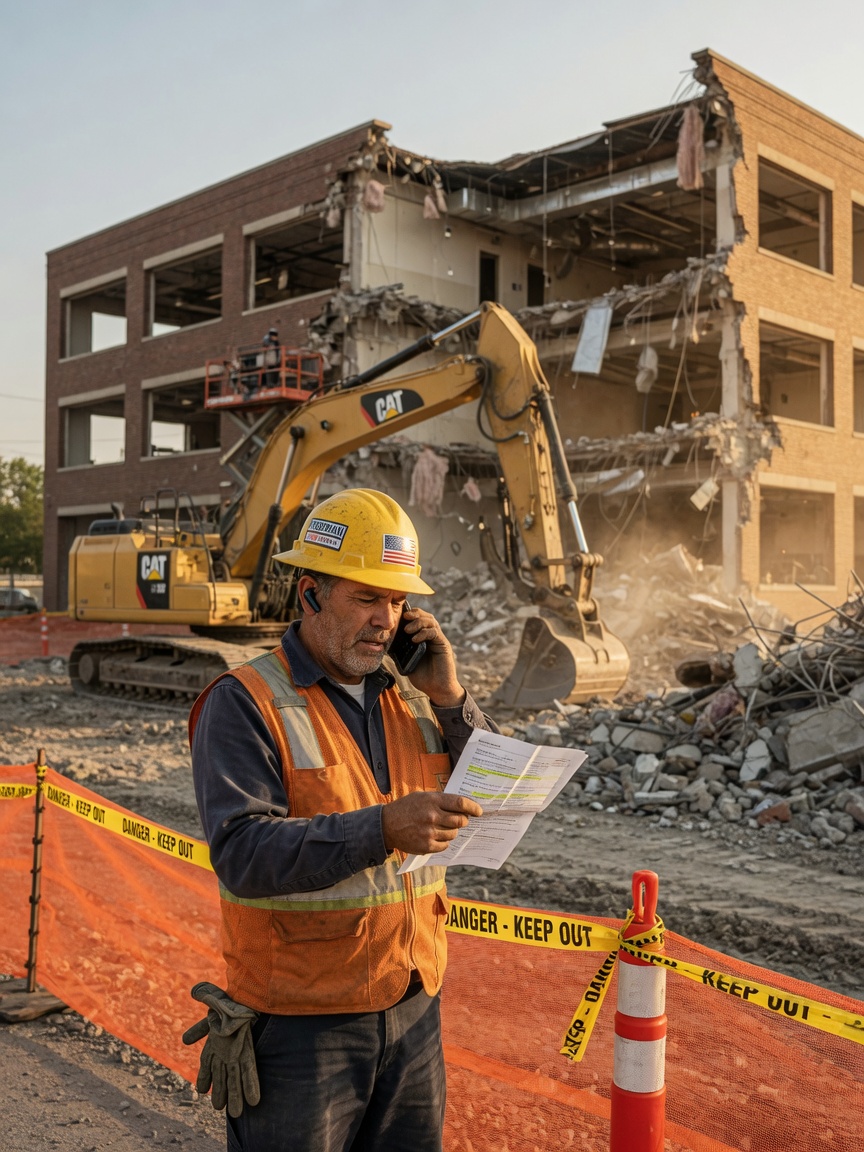
Utility or GC call
Hold, neighbor issue, or scope question hits mid-demo
Agent sorts it
Utility disconnect, complaint, GC callback, or owner thread?
You get a summary
Short brief or queued slot on your calendar.
If you are looking at AI for a demolition company, the useful question is not whether another app can replace your estimating software or project management platform. It is whether GC comms, permit follow-up, and scope documentation can run without pulling you out of the exclusion zone or into the office at 9pm.
Three patterns that show up in EPA NESHAP guidance, municipal demolition permit requirements, and change-order field practice:
- Asbestos notification windows. Lawful start dates on commercial teardowns often hinge on EPA and state asbestos notification lead times, not when the GC wants you on site. NESHAP rules require notification before disturbing regulated materials, and a missed survey date or late filing can push mobilization out by weeks. The paperwork trail competes with the same hours you need pricing equipment, lining up abatement subs, and walking the structure with the owner.
- Unforeseen scope in the slab. Once saw-cutting starts, hidden footings, hazmat pockets, or structural ties show up fast. Industry guides on demolition change orders cite unforeseen site conditions as a top driver of scope adds – and field notes that do not reach the GC the same day turn into disputed wrecking hours. You are documenting while dust is in the air and the exclusion zone is hot.
- Permit packet ping-pong. Demolition permit packets are rarely one form. Utility disconnect letters, recycling plans, neighbor notices, and pre-demolition inspection sign-offs bounce between your office and the AHJ until something is missing. Municipal permit guides describe incomplete submittals as the main reason approval stalls – not because demo contractors skip steps, but because five different parties hold pieces of the same packet.
You’ve heard you need to “do something with AI.” Fair. Here’s what that looks like for a one-van outfit, not a corporate IT project.
Help with the comms layer, not a new demolition platform
i10X connects to your phone line, Gmail, calendar, QuickBooks, and Google Docs. It can route calls from the demo zone, draft permit doc checklists and bids, track asbestos notification timelines, log unforeseen scope, and draft neighbor notices and recycling plans.
You keep Procore, Buildertrend, HCSS, or whatever drives estimates and production. i10X sits on the customer-facing and AHJ-facing side: messages, drafts, reminders. Final bid submissions and change order approvals stay with you unless you choose otherwise.
One foreman told us a commercial teardown turned his inbox into a second job site – utility holds, AHJ correction emails, and a GC asking why notification had not cleared. Offloading permit checklists and timeline updates did not fix equipment lead times – but it returned a few hours a week for walk-throughs and scope sign-off only he could own.
What i10X can do
What i10X can run on rules you set:
Exclusion-zone call routing
Utility holds, neighbor complaints, and GC scope questions scoped while you are inside the active demo zone.
Permit packet checklists
Walk-through notes become bid outlines and AHJ attachment lists for your review before submittal.
NESHAP timeline updates
Notification deadlines and abatement milestones tracked with GC and owner status drafts.
Same-day scope logs
Field discoveries become change summaries before extra wrecking hours stack without approval.
One wrecking crew, fewer permit holds
Not a magic bid-volume jump – just fewer tasks that pull you out of the exclusion zone or into evening paperwork.
- Utility disconnect letter still missing while plan review waits on the rest of the permit packet
- GC emails asking for asbestos notification status; you meant to reply after Tuesday's survey walk
- Hidden footing found at lunch; change summary still unwritten when wrecking hours resume at 1pm
- Neighbor complaint call goes to voicemail while you are running demo inside the exclusion zone
- Permit checklist flags the missing utility letter; chase draft ready for your approval
- Notification timeline update sent; GC reply confirms they saw the abatement window shift
- Unforeseen scope summary from voice note waiting in Google Docs before afternoon wrecking restarts
- Neighbor complaint captured as a triaged brief; callback queued for when you clear the zone
Five common starting points for demolition contractors. i10X can do more once connected – these are what owners and foremen usually set up first:
Examples of what i10X can handle
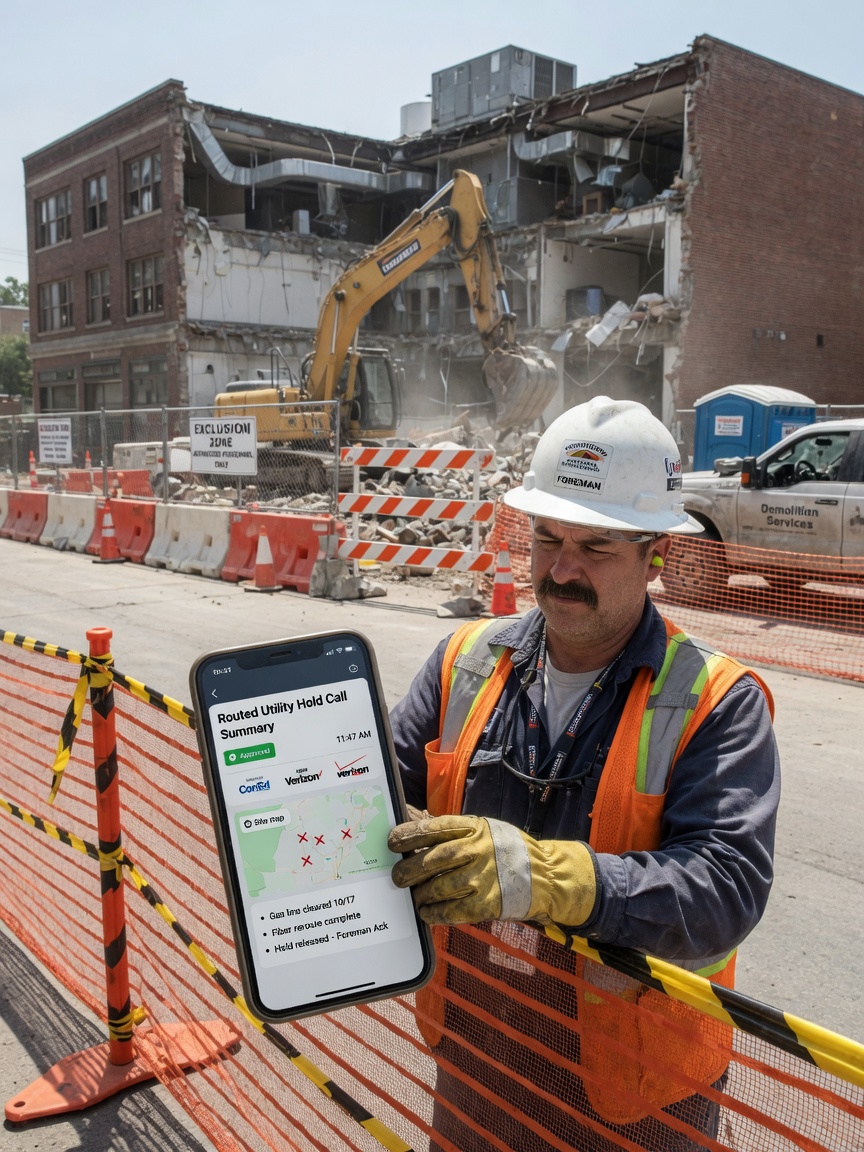
Route utility and GC calls from the demo zone
A utility hold, a neighbor complaint, and a GC scope question need different handling – and you are inside an active exclusion zone. i10X can answer or take a message, ask basic triage questions, and route each thread while you stay focused on wrecking operations in front of you.
3 hrssaved / week
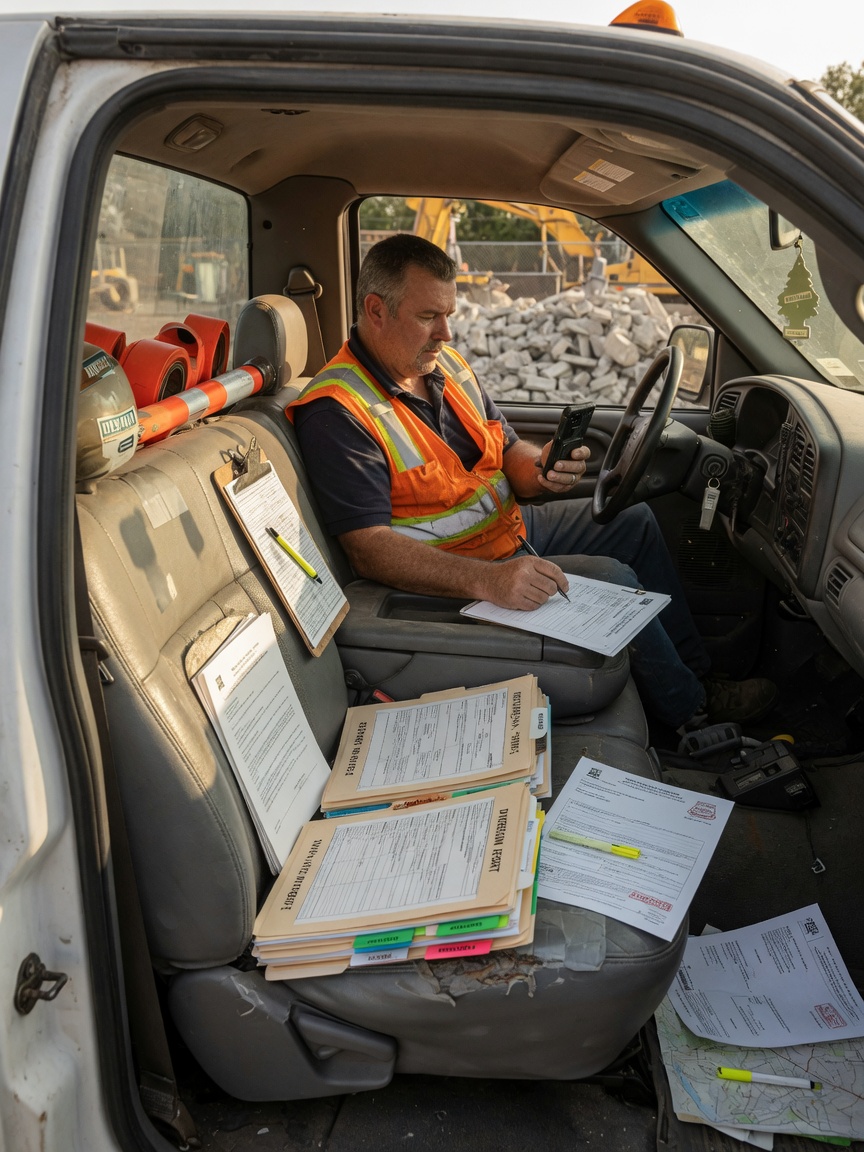
Draft demolition bids and permit doc checklists
Walk-through notes, square footage, hazmat assumptions, and AHJ-specific attachments often wait until evening. i10X turns field input into a draft bid outline and a permit doc checklist in Google Docs – utility letters, recycling plan placeholders, and neighbor notice items flagged for your review.
4 hrssaved / week
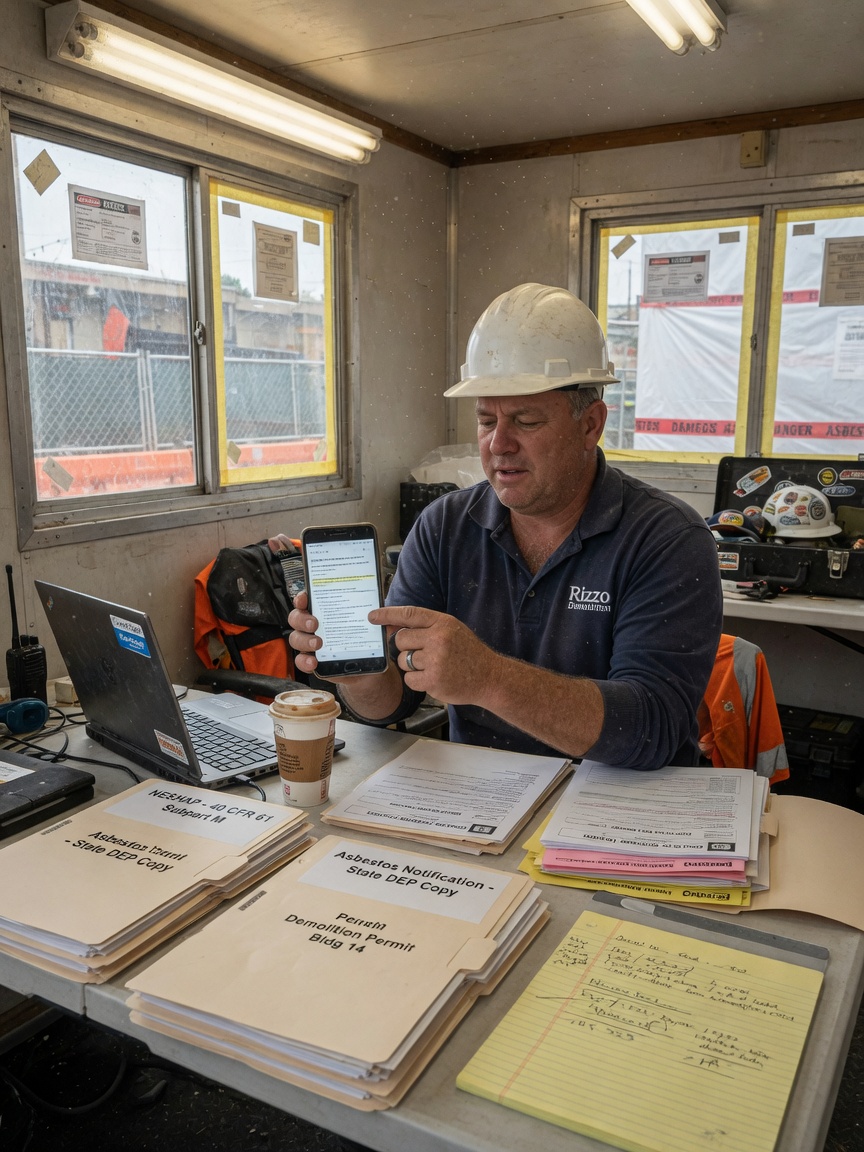
Asbestos and notification timeline updates
NESHAP and state notification windows gate your lawful start date. i10X tracks survey completion, filing deadlines, and abatement milestones – then drafts status updates to the GC and owner so a two-week agency lead time does not turn into radio silence.
3 hrssaved / week
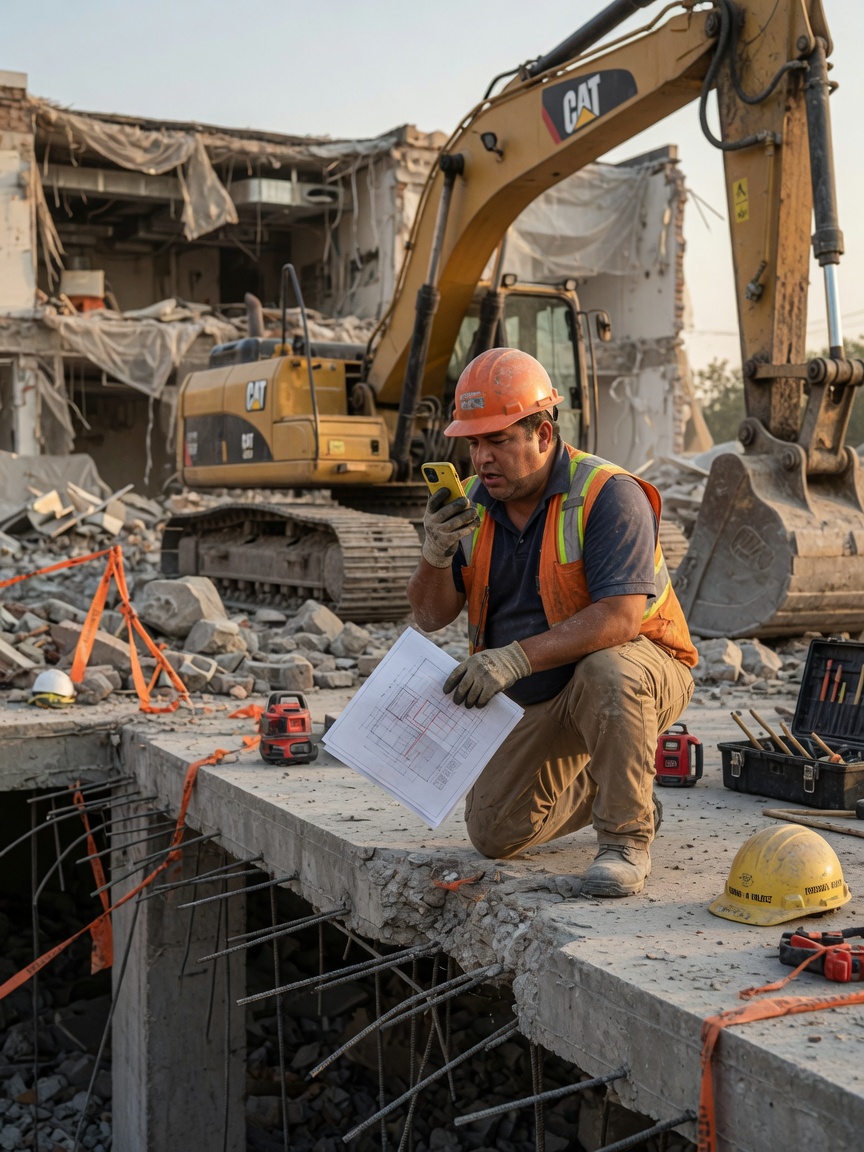
Log unforeseen scope before extra wrecking hours
Hidden footings, unexpected hazmat, or structural ties found mid-demo need a written summary before the wrecking crew runs extra hours. i10X turns field voice notes into a change summary for GC approval – location, discovery, recommended scope add, and photo references organized for same-day review.
3 hrssaved / week
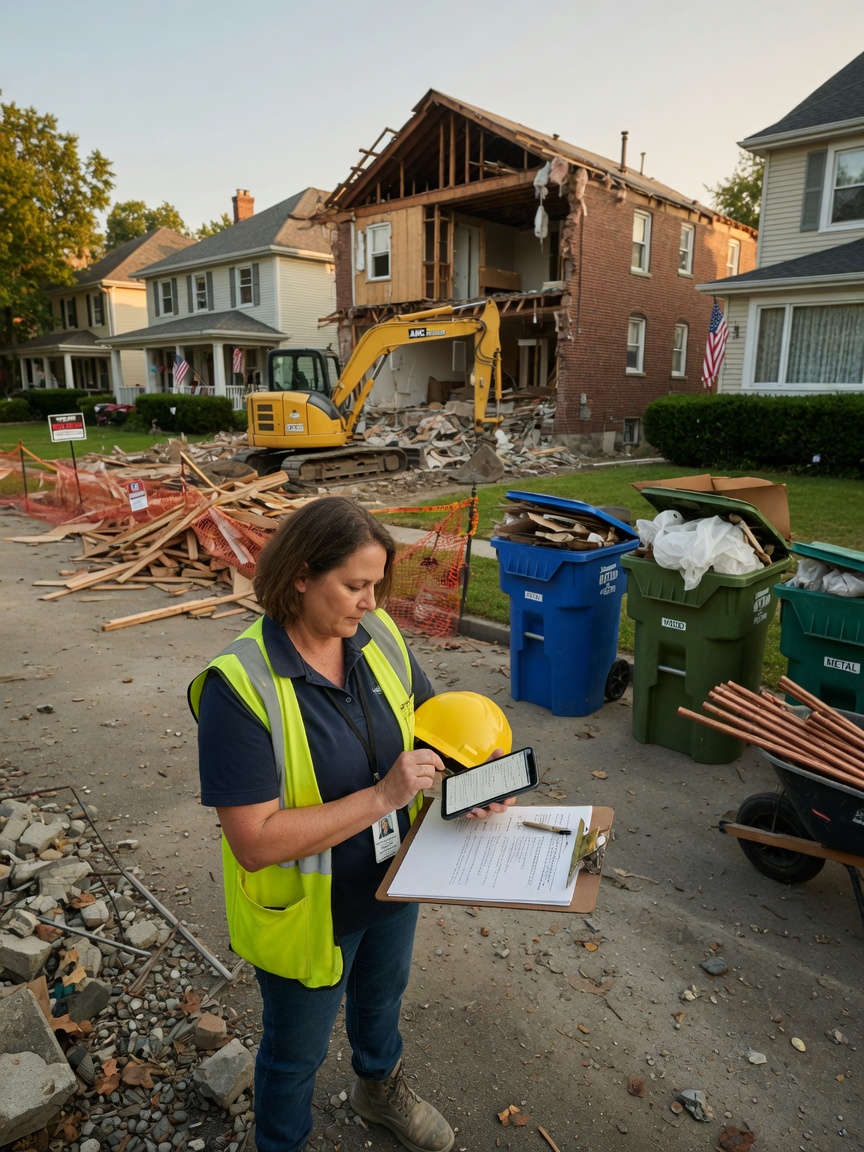
Neighbor notice and recycling plan drafts
AHJs often require neighbor notices and recycling diversion plans in the same permit packet as utility disconnect letters. i10X drafts jurisdiction-appropriate notice language and recycling plan outlines from job details you provide – so incomplete submittals bounce less between your office and plan review.
2 hrssaved / week
Equipment lead times and labor availability are real constraints in this trade; i10X does not solve those. It mainly reduces the manual comms and documentation work that falls on the same person running the demo zone and permit coordination.
Works with your stack
No new software to learn. Phone, inbox, calendar, books, and permit docs – where most demolition crews already coordinate GCs, utilities, AHJs, and field scope. i10X connects to the tools you already run:
Why demolition contractors choose i10X
Built around teardown and permit workflows
NESHAP notifications, utility disconnect packets, recycling plans, unforeseen scope – not same-day service dispatch for every trade.
Learns how your company talks
Tone for a utility hold vs a GC mid-demo can differ; you set that during setup.
You approve what matters
Bid outlines, change summaries, and AHJ-facing messages can stay ask-first until you trust the defaults.
Getting started takes about 10 minutes
No tech skills, no setup fee, no new app to figure out. Three steps and you’re live:
Connect your tools
Click to link your phone line, inbox and calendar – the same secure login your bank uses. Nothing to install.
Answer 3 questions
Tell it how you talk to customers and what it’s allowed to do. It learns from your past quotes and messages.
It starts working
From minute one it answers calls and drafts replies for your approval. Most demolition contractors see a booked job the same day.
What usually changes first
Most contractors start in ask-first mode: drafts and summaries land on your phone, you edit or send. That alone cuts down evening permit-email sessions after long demo days.
Once notification timeline updates and permit chase reminders run on a schedule you defined, GCs stop filling the gap with midday status calls during active wrecking.
None of this replaces a wrecking operator or abatement sub. It clears comms and documentation work off the foreman so the demo zone, bid walks, and change order sign-off get more of the week.
GC-facing and AHJ-facing actions need your OK by default
Change summaries, permit replies, and outbound messages can wait for approval. Turn on auto-send for specific message types once the wording matches your company.
Your data stays in your tools. We do not train on your bid files or GC threads. Revoke access in one step.
I still sign every change order and permit package before it goes to the AHJ. But utility holds and GC scope questions do not die in voicemail while I am inside the zone anymore, and I am not rebuilding notification timelines from scratch at night. Unforeseen footing discoveries get a written summary before the crew runs extra hours.– Raymond Kessler, Baltimore, MD · 12 years as a commercial demolition foreman
Frequently asked questions
Will it track NESHAP notification deadlines against my planned mobilization date?
You log survey completion, notification filing target, and abatement window on the job. i10X sets calendar reminders before agency lead times expire and drafts GC status updates when a milestone slips – so lawful start dates do not get assumed without a written trail.
Can it build a permit packet checklist for utility disconnect and recycling plan items?
After a walk-through you note jurisdiction, structure type, and hauler route. i10X drafts a checklist with utility letter, recycling plan, neighbor notice, and inspection placeholders flagged for that AHJ – not a generic one-page form list.
Does it turn field voice notes into change summaries when unforeseen scope shows up mid-demo?
You record what was found, where, and recommended extra scope from the zone. i10X drafts a change summary with line-item talking points and a photo log structure for GC approval before wrecking hours stack without sign-off.
Can it route utility hold calls separately from neighbor dust complaints?
Utility disconnect holds escalate per your rules with job address and utility type captured. Neighbor complaints get a different intake script – schedule window, dust control, callback preference – and queue for when you clear the exclusion zone.
Will it draft neighbor notice copy and recycling diversion language for plan review?
You provide demo schedule, hauler route, and target diversion percentage. i10X drafts jurisdiction-appropriate neighbor notice text and a recycling plan outline in Google Docs for your review before the packet goes back to the AHJ.
Run a week of demo paperwork drafts first
Connect your tools, skim permit checklists and scope summaries for seven days, and decide whether the comms load is lighter.
Start free trial